


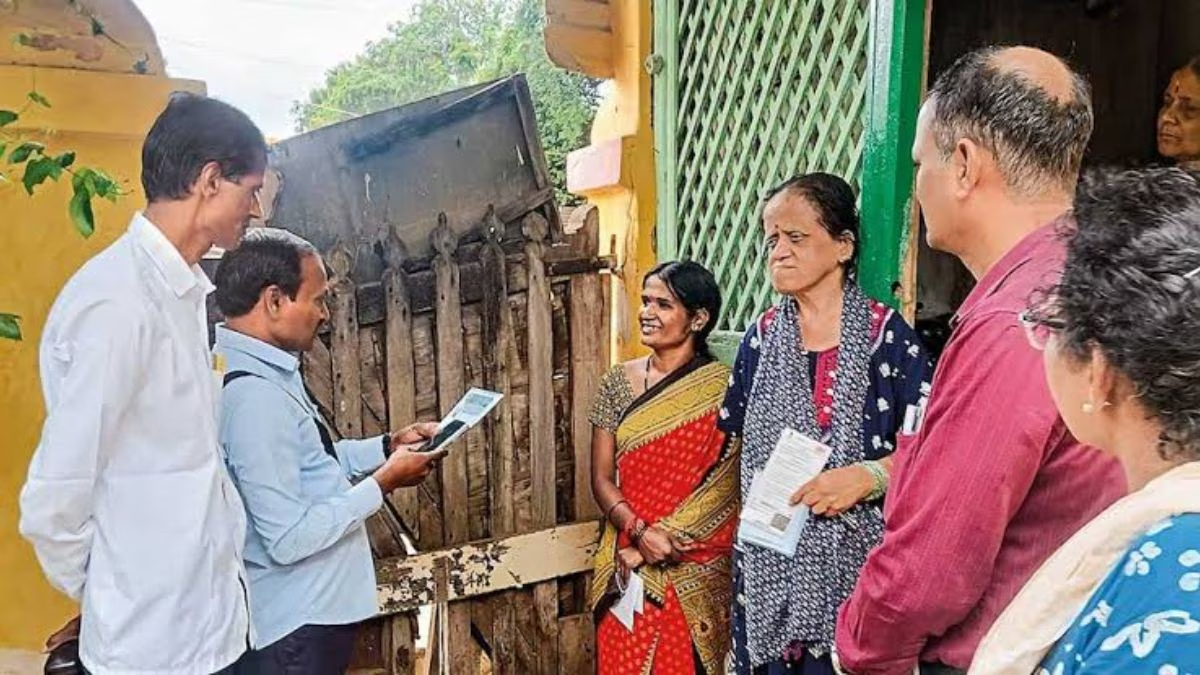
Filling in your census details no longer means waiting for someone to knock on your doorIn the second phase of Census 2027, the government has launched an online self-enumeration facility, so any citizen can enter their family’s data from home through the official portalLet’s walk through how it works.
Published: November 18, 2026, 6:47 PM IST
Share Article
https://www.india.com/news/india/uttar-pradesh-census-2027-second-phase-begins-heres-how-to-fill-the-form-online-8546009/
The initiative lets citizens fill in their own and their family’s information online, a process called Self-EnumerationRepresentational image
Census 2027 Self-Enumeration Guide: The government has taken significant steps to make the upcoming census process in the country more accessible and transparent.
The initiative lets citizens fill in their own and their family’s information online, a process called Self-EnumerationFollow the steps below and enter accurate details about yourself and your family.
Steps to begin the process
- Go to https://se.census.gov.in to begin self-enumeration
- Pick your state or union territory
- Pick your language (final once chosen)
- Read the instructions on the portal
- Click Proceed
Mobile number and OTP verification
- After accessing the portal, verify your mobile number and identity.
- Enter the mobile number you provided during the first phase of the censusA different number will need further verification.
- Enter the captcha code.
- Click Verify and Proceed.
- A one-time password (OTP) will be sent to your mobile numberEnter it.
- Click Verify OTP.
Verification of the location
- Verify the exact geographic location of your residence.
- Confirm that the house location shown on the screen is your current residence.
- Select your district, sub-district, village, or town from the map.
- Alternatively, use the Get Location option to fetch the exact location from your mobile device.
- Select the nearest landmark to your residence and mark it on the map to confirm the location.
- Click Next.
Submit the form
- This is the most important step of self-enumeration: you need to fill in your family’s complete information.
- Go to the dashboard.
- Answer questions 1 to 6 for all family members.
- Then answer questions 7 to 40 for each member, one by one.
- Click Save after each entry to save that member’s details.
- Click Review and Submit to double-check the data entered for each member.
- Correct any errors.
- Once everything is confirmed, click Submit.
Also Read | Census 2027: Population enumeration schedule announced, to begin from January 25
Generate and verify SE ID
- Once self-enumeration is successfully completed, a unique 11-digit SE ID beginning with the letter P is generated.
- Save the SE ID.
- Share it with other members of your family.
- When the census enumerator visits your home, give them the SE ID.
- If the SE ID on the enumerator’s mobile phone matches your data, your self-enumeration data is accepted immediately.