

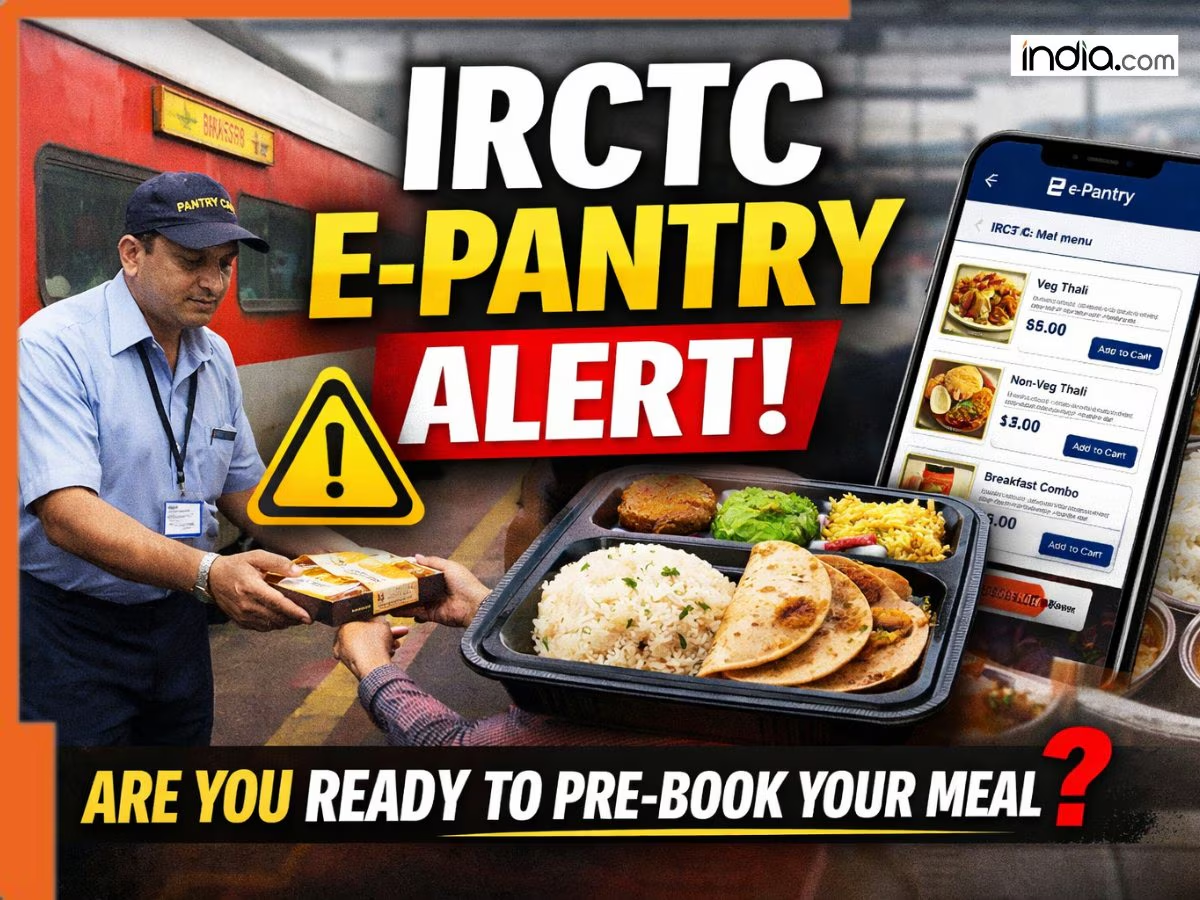
IRCTC expands its e-Pantry service to 25 trains, allowing passengers to pre-book meals online and receive seat delivery through a simple digital process with secure payment and easy verification.

Published: February 23, 2026 3:11 PM IST
Train e-Pantry Service by IRCTC
As the name suggests, IRCTC’s e-Pantry facility allows passengers traveling on eligible trains to book their meals like breakfast, lunch, dinner, tea, packaged drinking water, etc. in advance through a website. Then the meals are delivered right at the passenger’s seat by the pantry team of the train itself. The facility is now live for passengers on 25 Mail and Express trains where meals are not included in the fare and passengers have to purchase food from pantry cars available on the train. Enlisted below are some key highlights of this new service:Add India.com as a Preferred Source
- e-Pantry service can be booked by passengers while booking tickets as well as after ticket booking from ‘ Booked Ticket History ‘ section on IRCTC.
- Passengers can use this facility if their tickets are confirmed, RAC or waitlisted (partially confirmed).
- Passengers will receive a Meal Verification Code (MVC) on their registered mobile number and email ID once they successfully book their meal.
- MVC will be used by passengers to get their meals delivered to their seat.
- Passengers need to show the MVC to pantry car staff at the station where food delivery is arranged for the train. Pantry staff will verify the code and deliver the meal to the passenger’s seat.
- Payment for the meal will be through cashless mode only.
- Vivek Express
- Swatantra Senani Express
- Kalinga Utkal Express
- Paschim Express
- Mumbai Malwa Intercity Express
- Uttaranchal Sampark Kranti Express
- New Delhi – Bhagalpur Express
- Rajdhani Express
- Dehradun – Mukteswar Express
- Rajendra Nagar TIpu Express
Customers booked over 65000 meals via IRCTC e-Pantry Since Launch
IRCTC had first launched this facility on Vivek Express way back in April 2025 and since then customers have booked over 65000 meals. Furthermore, the IRCTC reports a consistent increase in the number of meals being booked every month through this facility. Also read: Vande Bharat passenger calls out staff for serving rotis microwaved in plastic packaging; internet left fuming, IRCTC responds to viral videoBook Train Meal with e-Pantry on IRCTC
Step 1: While booking train tickets or after ticket confirmation While booking train tickets on IRCTC’s website, passengers can book meals via IRCTC’s e-Pantry facility and if they have missed the option during booking, then passengers can head over to the ‘Booked Ticket History’ section on IRCTC to book meals. Step 2: OTP Confirmation Passengers will receive a One Time Password on their registered mobile number which they need to enter on IRCTC’s website to confirm their e-Pantry order. Step 3: Get food delivered to your seat! Passengers will receive a Meal Verification Code on their registered mobile number and email ID after a successful e-Pantry booking. Using the MVC passengers can get their food delivered to their seat on the train.Here’s how to pre-book meals for your train journey
Step 1: Passengers can select the option of e-Pantry while booking train tickets on IRCTC’s website. If not, then passengers can navigate to the ‘ Booked Ticket History ‘ section on IRCTC to pre-book their meals. Step 2: After selecting the meal option passengers will receive a One Time Password on their registered mobile number which they are required to submit on IRCTC’s website to confirm the e-Pantry order. Step 3: Passengers will receive a Meal Verification Code on their registered mobile number and email ID after a successful e-Pantry pre-booking. The passengers need to show the MVC to the pantry car staff at the station where food delivery is arranged for the train. Pantry staff will verify the MVC and proceed to deliver the meal to passenger’s seat. Book Meals On Trains With IRCTC’s E-Pantry Service.Source link















Leave a Reply