

The Aadhaar QR Code Scanner has been launched by UIDAI to check the authenticity of the Aadhaar cards. Here’s a step-by-step guide on how to use the feature

Published: March 30, 2026 7:05 PM IST
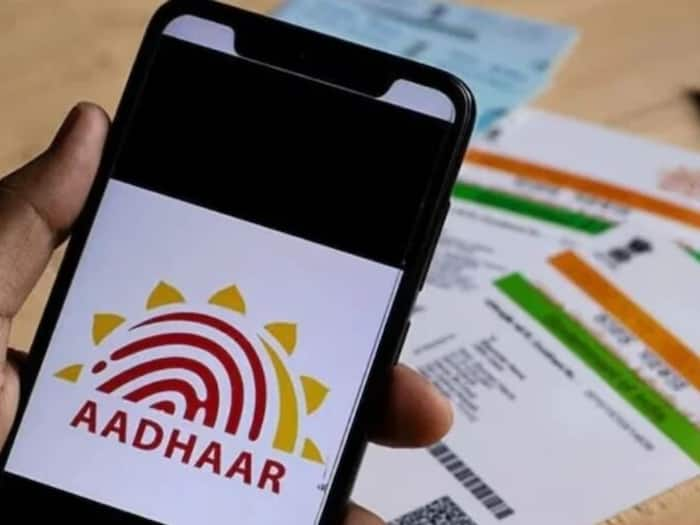
UIDAI’s new feature to detect fake Aadhaar cards
The Unique Identification Authority of India (UIDAI) has introduced a special security feature that allows you to instantly verify your Aadhaar card by scanning it from your mobile.Add India.com as a Preferred Source
This method is one of the easiest to provide accurate information within seconds. If you also want to avoid Aadhaar fraud, this new feature can prove to be extremely useful. What is the Aadhaar QR Code scanner feature?
Aadhaar QR Code Scanner is a digital feature included in the Aadhaar App. It allows you to quickly verify Aadhaar card information by scanning the QR code on the card. Important information such as the name, date of birth, and photo, is displayed securely.Here’s how you can check the authenticity of your Aadhaar:Step 1: Download the official UIDAI Aadhaar app to your mobile. Open the app and look for the ‘QR Code Scanner’ or ‘Scan QR’ option.Step 2: As soon as you click the Scan option, your phone’s camera will open. Now, hold the Aadhaar card’s QR code in front of the camera and scan it.Step 3: Once the QR code is scanned, the app decodes the encrypted data inside. Your information, such as your name, photo, and date of birth, appears on the screen.Step 4: If the QR code is correct and the data is displayed correctly, the Aadhaar is genuine. If it doesn’t scan or displays incorrect information, it may be fake. The unique feature of this feature is that it can sometimes work offline, as the data is already saved in the QR code.Aadhaar functions as a crucial component for government benefit distribution. The system supports more than 3100 Direct Benefit Transfer (DBT) programs and 360 public services. Through Aadhaar-based verification, governments can ensure that benefits reach the right people without duplication or misuse.Aadhaar provides individuals with a reliable digital identity. The system enables individuals to access services, which include banking, telecom, and credit and insurance. Aadhaar enables citizens to complete identity verification through a secure and efficient process because of its widespread acceptance.Source link

Leave a Reply