

TL;DR: What’s coming in WordPress 7.0
- Real-time collaboration that allows multiple users to work on the same post or page without losing any data.
- AI Web Client API that allows users to save their AI credentials and provides plugin and theme developers a standardized way to integrate AI features in WordPress.
- Admin design refresh offers smoother transitions between admin area screens with modern typography and new color profile.
- New Icon and Breadcrumbs blocks will be added. Several blocks will get new features and enhancements.
ℹ️ Note: This beta release is for testing and development only. So, please do not install, run, or test this version of WordPress on your live website.
Instead, we recommend using a staging site or a local site. You can test WordPress 7.0 Beta by installing and activating the WordPress Beta Tester plugin.
- Admin Visual Refresh & View Transitions
- Web Client AI API in WordPress
- Real Time Collaboration (In Development)
- Visual Revisions For Pages
- Cover Block Video Embeds
- Navigation Block Overlays & Improvements
- New Breadcrumbs and Icons Blocks
- Per-Block Instance Custom CSS
- Pattern Editing Modes
- Responsive Grid Block
- Heading Block Variations
- Font Library Enabled for All Themes
- Client-Side Media Processing
- Under the Hood (Developer & Performance Updates)
- Conclusion
Admin Visual Refresh & View Transitions
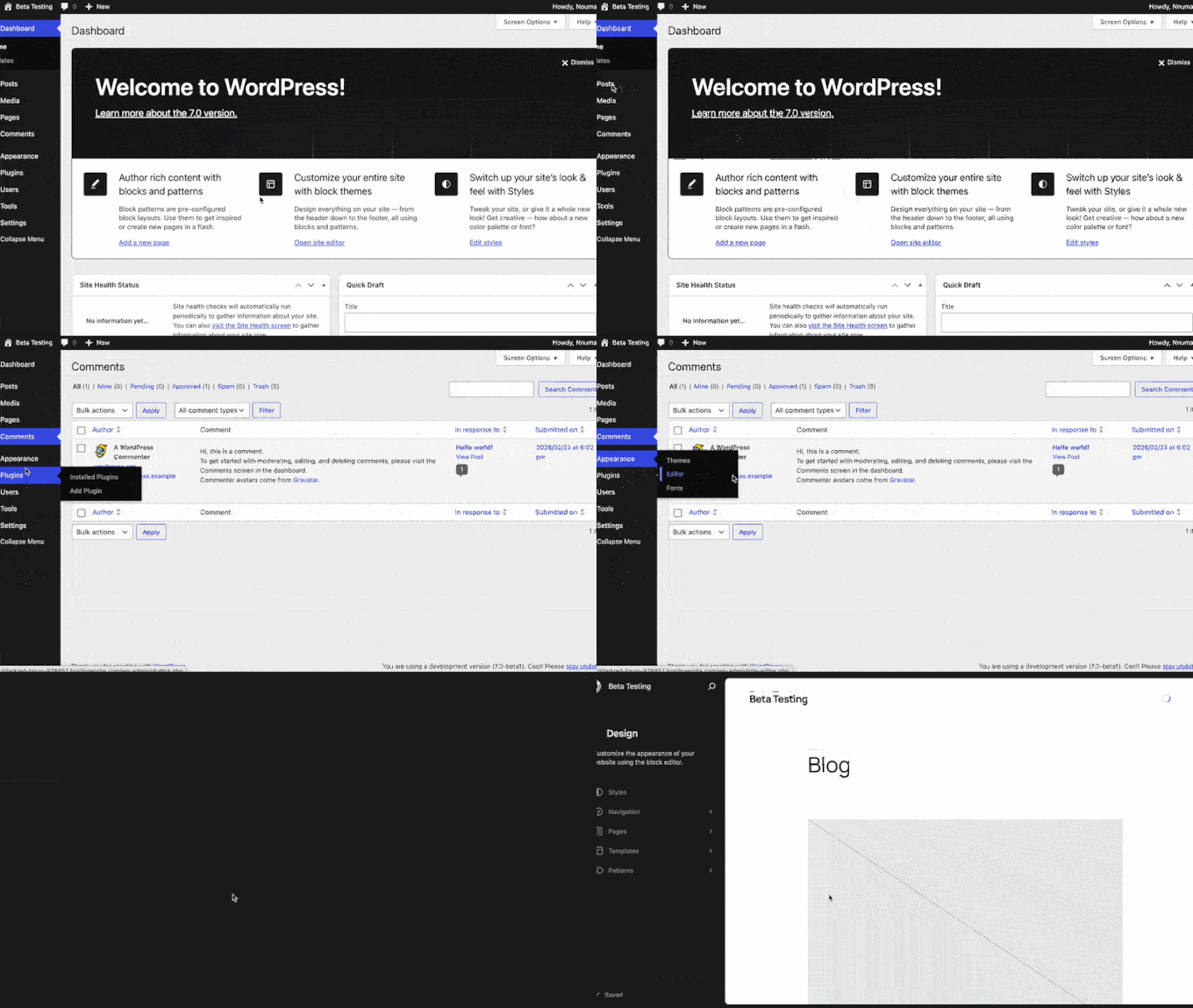
The WordPress backend is getting a much-needed facelift. WordPress 7.0 will deliver a visual update to the dashboard with a fresh default color scheme, updated typography, and a cleaner, modern interface.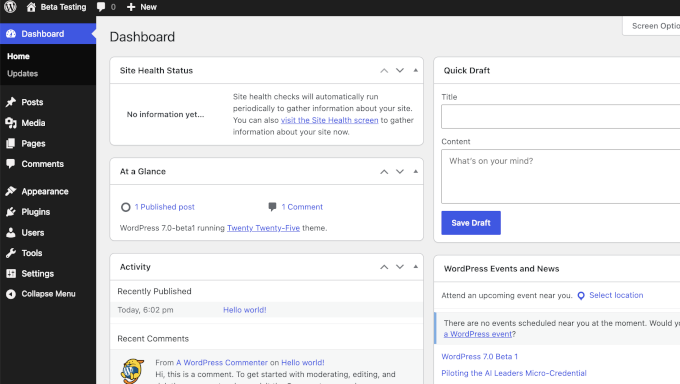
Web Client AI API in WordPress
AI is changing how we build websites. As part of on-going AI infrastructure work, WordPress 7.0 will ship with a new Web Client AI API. The new API acts as a central hub for generative AI models inside your site’s backend. Instead of multiple plugins fighting for control or cluttering the interface, the Web Client AI API works with the new Abilities API to keep things organized. For beginners, this matters quite a bit. It opens the door to AI features right inside the block editor. For instance, you will be able to safely store credentials for your favorite AI model securely inside WordPress. Your WordPress plugins and themes can then use your preferred model to provide different features. In the near future, you will be able to generate content, summarize articles, or handle repetitive admin tasks without leaving your dashboard. However, we want to be clear that this is the foundation, not the finished product. The real value will come as plugin developers build on top of it.
Pro Tip: If you want to start using AI on your WordPress site right now, check out our small business owners’ guide to artificial intelligence to get a head start before 7.0 officially drops.
Real Time Collaboration (In Development)
Note: The real time collaboration feature is not included in the beta-1 release that we tested. However, it is under active development and it is not yet confirmed whether or not it will make it into the final 7.0 release.
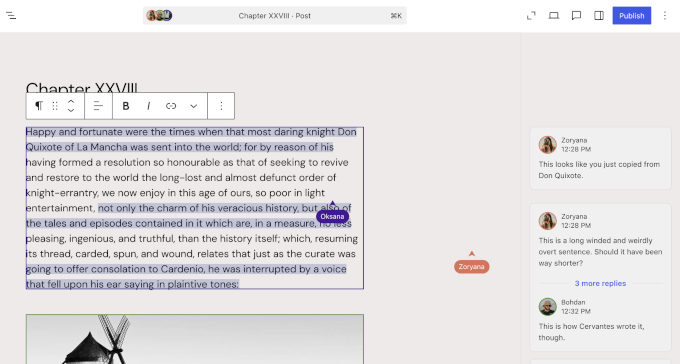
Real-time collaboration in WordPress editing started with WordPress 6.9, which introduced inline commenting known as Notes. WordPress 7.0 will continue building up on that.
If you have ever been locked out of a WordPress post because someone else was editing it, then you will appreciate this feature.
WordPress 7.0 comes with a sync-engine allowing real-time collaboration. This enables multiple users to edit a post or page at the same time.
Visual Revisions For Pages
The WordPress revisions system has always been useful for undoing mistakes. However, comparing changes meant looking at raw text or HTML code, which is not ideal. WordPress 7.0 will change this by introducing new visual revisions for Pages.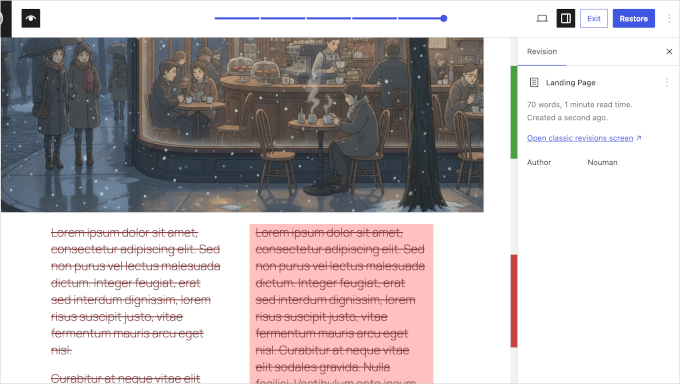
Cover Block Video Embeds
The Cover block is one of the most popular tools for creating hero sections and banners. WordPress 7.0 will let you use video embeds via URL as backgrounds in the Cover block.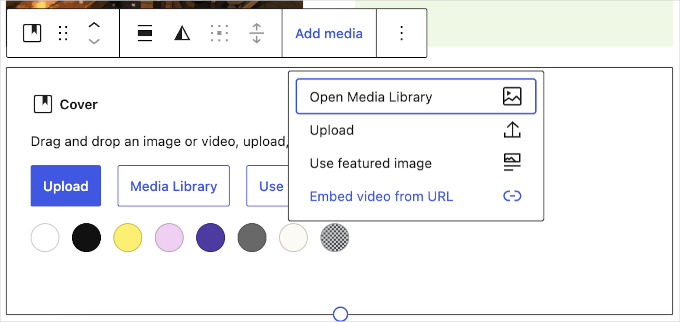
Navigation Block Overlays & Improvements
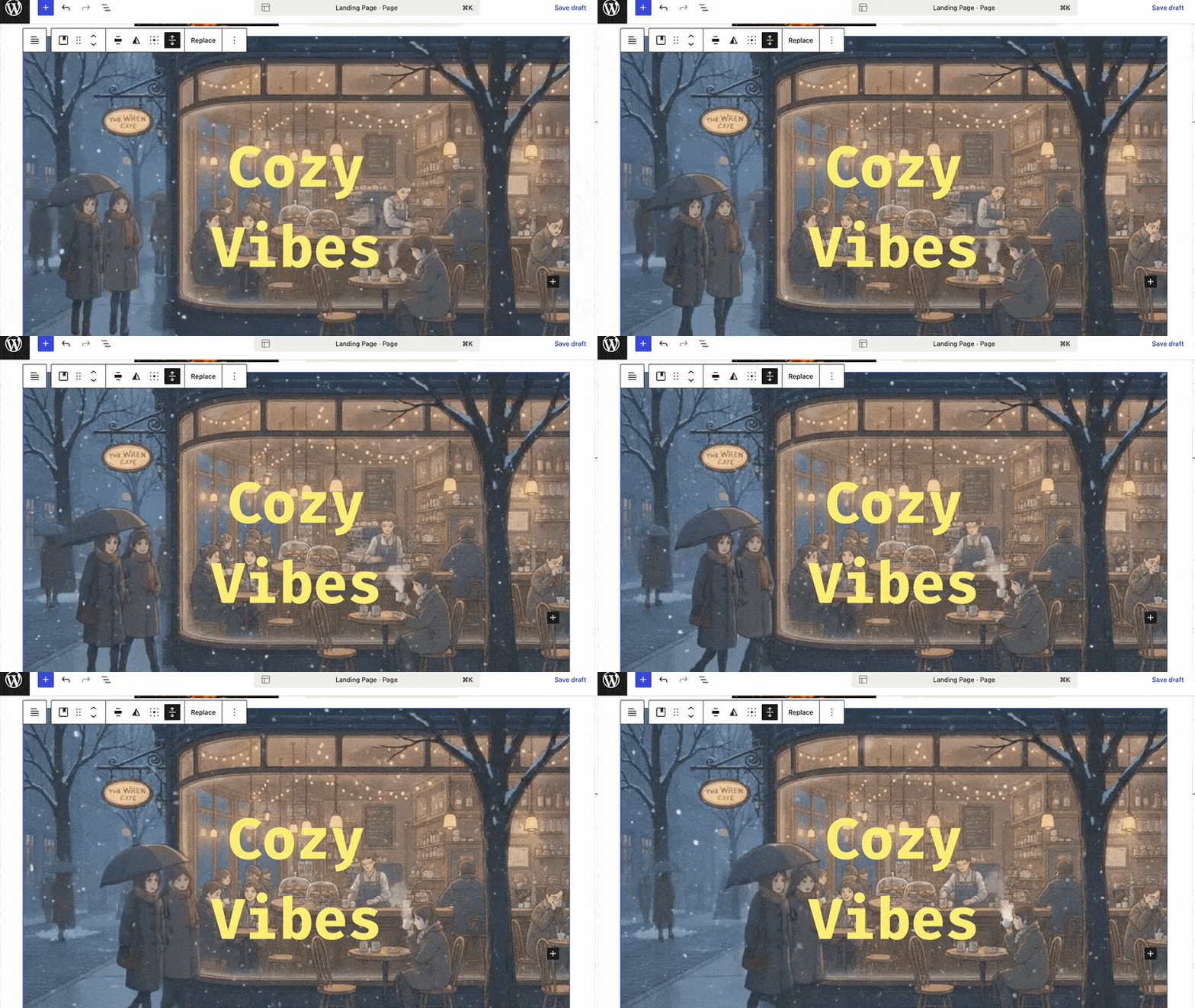
Mobile menus can be tricky to get right. WordPress 7.0 will bring important improvements to the Navigation block to address this. The update introduces customizable overlays as template parts. Mobile menus can be hidden or shown based on custom breakpoints.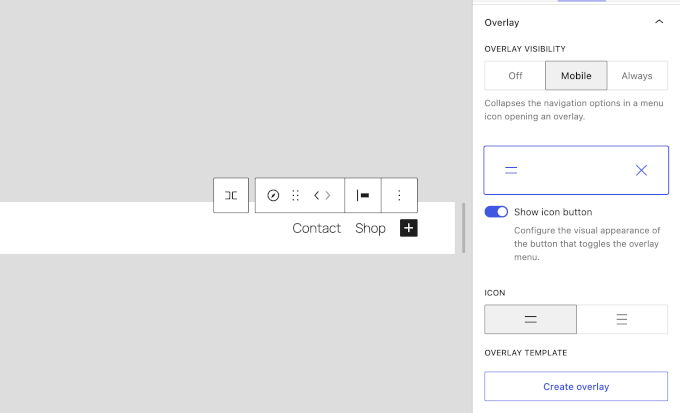
New Breadcrumbs and Icons Blocks
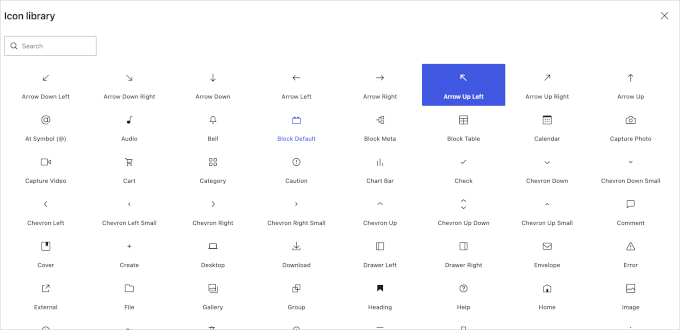
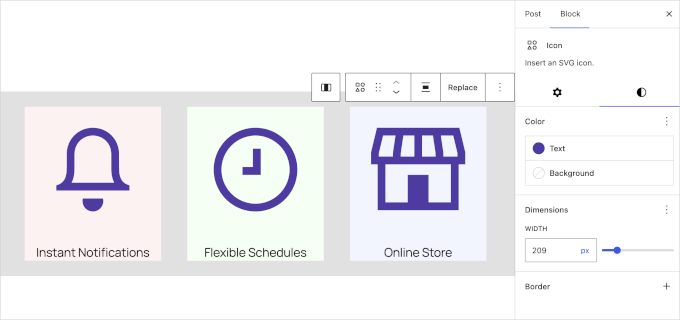
WordPress 7.0 will add two blocks that many people have been asking for: Breadcrumbs and Icons. Both used to require separate plugins. We found the Breadcrumbs block particularly useful. Breadcrumbs are important for SEO because they help search engines understand your site structure and give users an easy way to navigate back. The block also improves site navigation hierarchy and supports the theme.json schema, so it automatically adapts to your site’s global styles.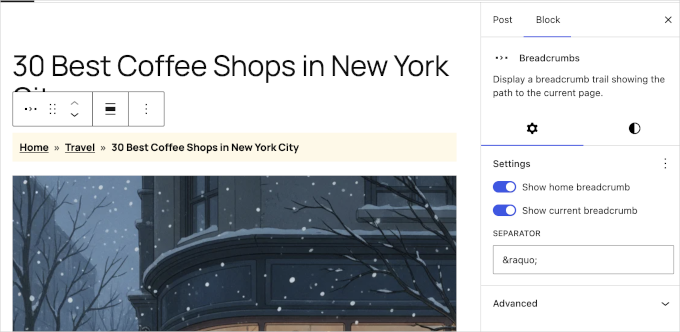
Per-Block Instance Custom CSS
For those who like to fine-tune their designs, WordPress 7.0 will introduce per-block instance custom CSS. It lets you add custom CSS to a specific block through the Advanced sidebar panel. Simply put, you can not only add a custom CSS class to any block, but also write the custom CSS right there in the block setting.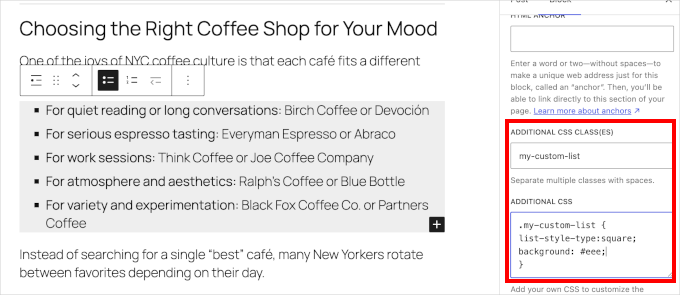
Pattern Editing Modes
Reusable patterns are great for keeping your site design consistent. However, editing them can sometimes be confusing. WordPress 7.0 will address this by introducing new pattern-level editing modes that help you focus. We found the new “Spotlight mode” to be very helpful. It isolates the content within a pattern and dims everything else on the page. You know exactly what you are modifying.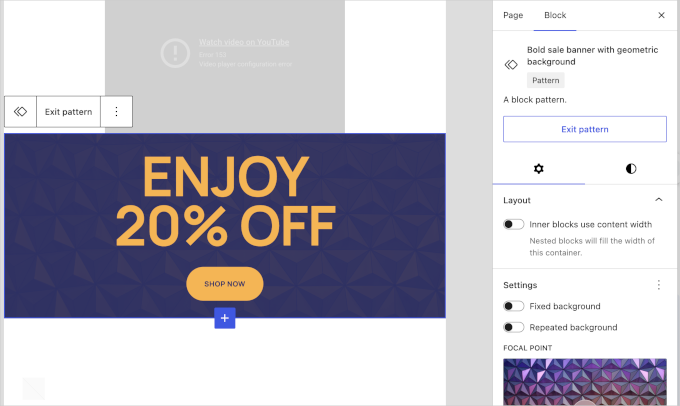
Responsive Grid Block
Displaying images and structural layouts will get a solid upgrade in WordPress 7.0 with enhancements to the Grid block. In our testing, we found that the Grid block is fully responsive out of the box. It adapts smoothly across different screen sizes without requiring manual column adjustments.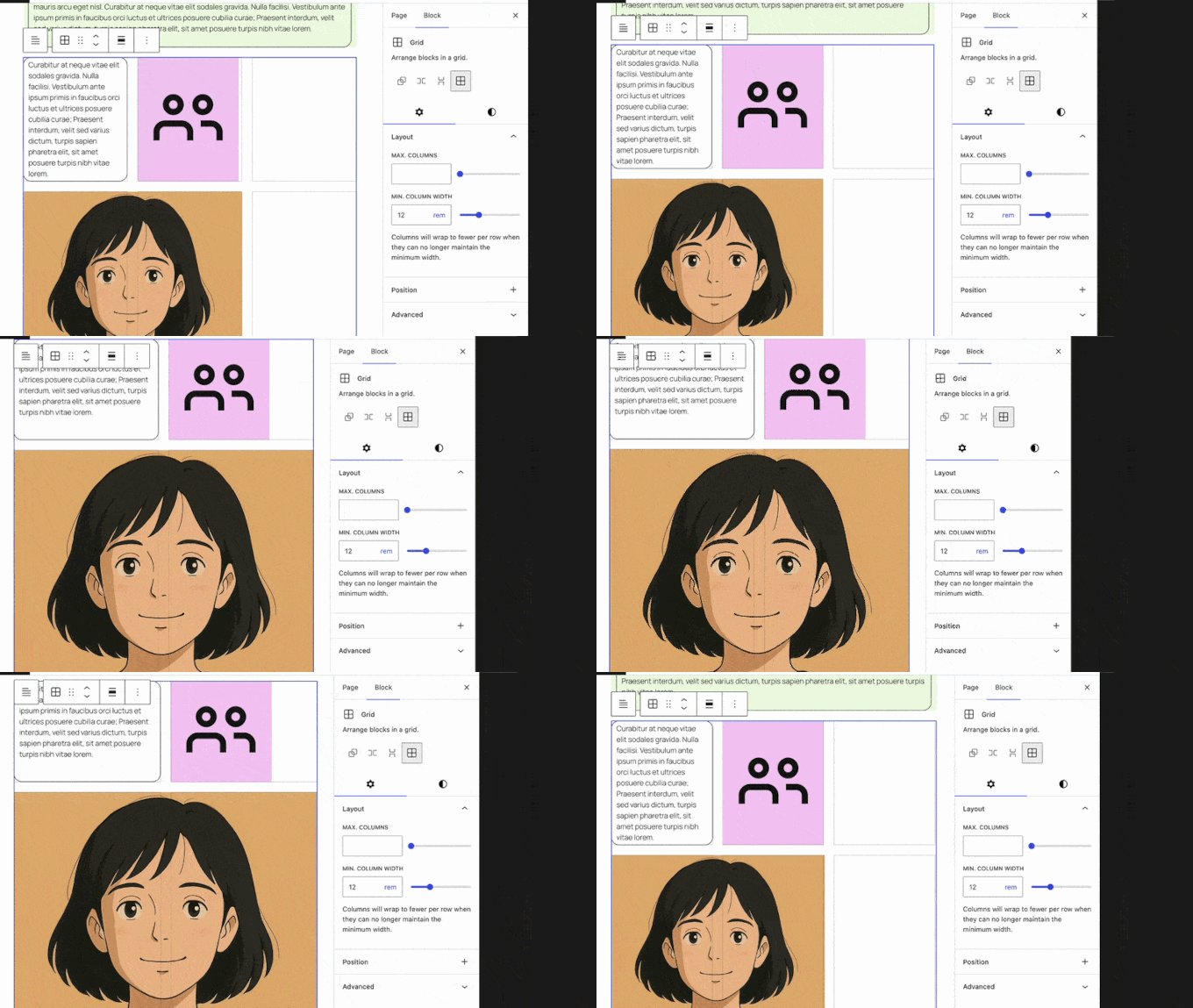
Heading Block Variations
Structuring your articles properly is important for SEO and AI Search Optimization. WordPress 7.0 makes this process faster by registering heading levels (H1 through H6) as block variations. When we tested the editor, we found new quick-access icons added directly to the block’s toolbar and sidebar.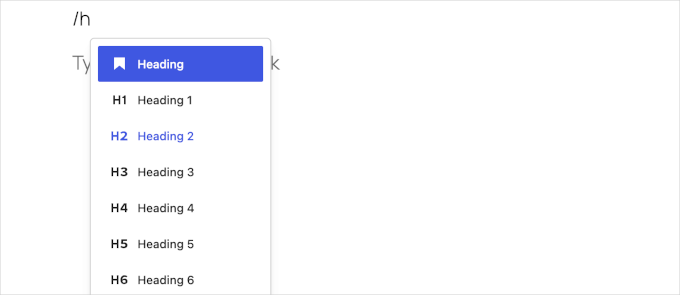
Font Library Enabled for All Themes
The Font Library was a useful addition in recent WordPress updates. However, it was largely restricted to block themes.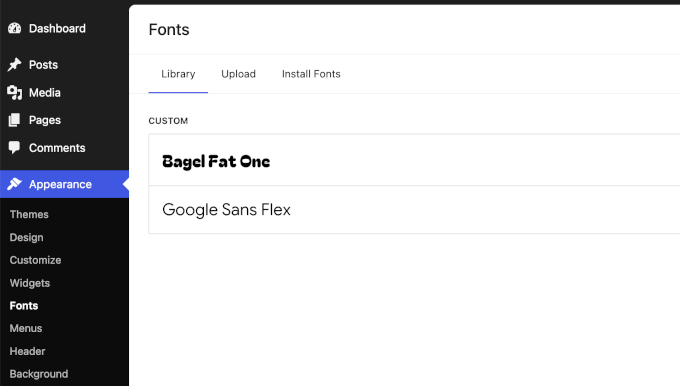
Client-Side Media Processing
Uploading large images has traditionally put a heavy load on web servers. This sometimes leads to timeouts or errors. WordPress 7.0 will address this by introducing client-side media processing. It will use your web browser’s capabilities to handle image resizing and compression before the file is even uploaded to the server. It also brings better support for modern, advanced image formats. This is a solid bump for WordPress speed and performance. Uploading images will be faster and more reliable, especially on slower internet connections. It also saves your web hosting server space and processing power by compressing files right in your browser before the upload begins.Under the Hood (Developer & Performance Updates)
WordPress 7.0 is packed with technical improvements designed to make the platform faster, more secure, and easier for developers to build on. Here are the most notable under-the-hood changes:- Client Side Abilities API: Introduces a standardized client-side registry for WordPress capabilities, including an Abilities and Workflows API, filter/search functionality, and an improved command palette UI (#73076). This lays the groundwork for fast, app-like features.
- Always-iframed Post Editor: The post editor is now always iframed, regardless of the API version of the blocks used. This ensures a consistent experience and separates UI styles from your theme styles (Dev Note).
- PHP-only Block Registration: Developers can now generate blocks and patterns entirely server-side using PHP. These auto-register with the Block API and include auto-generated inspector controls (#71792).
- UI Primitives and Components: The WordPress UI package receives a big update with new standardized components, including dropdowns, tooltips, fieldsets, and visually hidden elements (#73076).
- CodeMirror Update: The CodeMirror library will be updated to version 5.65.40, allowing for more flexible extensibility for code editing interfaces (Dev Note).
- PHP Version Support Changes: WordPress 7.0 officially drops support for older, insecure versions of PHP (7.2 and 7.3.). Make sure your server is updated (Dev Note).









Leave a Reply