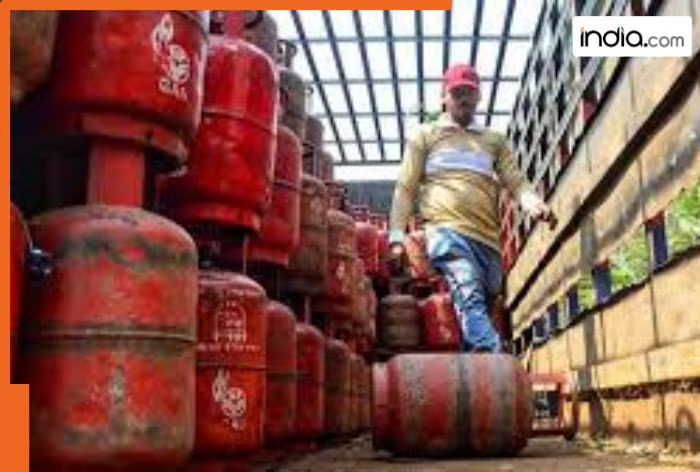
Attention to Liquified Petroleum Gas consumers! The government has made eKYC mandatory for gas consumers and failure to do so could result in the gas subsidy being discontinued. Furthermore, some services related to the gas connection could be affected. The deadline for completing eKYC is June 30, 2026. Therefore, it is crucial to complete this process on time.
The good news is that you can complete the eKYC process yourself from the comfort of your home using your mobile phone. Let’s explore the step-by-step process.
How to do eKYC from home using a mobile?
- For this, first download the official mobile app of your gas company.
- After this, login to the app with the mobile number linked to your gas connection.
- Then go to the ‘My Profile’ section in the app. There, you will see the eKYC option under LPG Details.
- Now read the terms and conditions carefully and agree.
- After this, complete the identity verification through face scan or OTP.
- After filling in the complete information, submit the application.
- Usually, the process is completed within 24 to 48 hours.
eKYC can be done through UMANG app
If you do not want to use the gas company’s app, you can also do eKYC through the UMANG platform.
- For this, open UMANG app.
- Go to the gas service option and select eKYC.
- Then, log in with the help of your mobile number and MPIN.
- Complete the eKYC process by following the simple steps given on the screen.