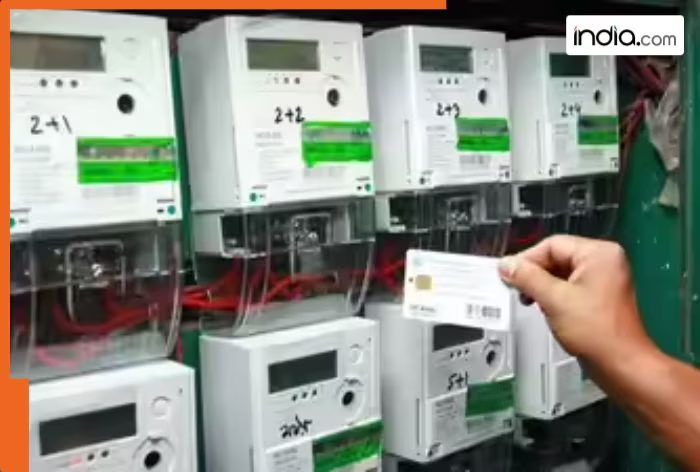
One of the most common troubles that people face is linking their mobile number to prepaid meters. Earlier, people had to go to electricity offices to get this done, but now, that can be done using just your phones

Published: April 12, 2026 8:41 PM IST
Have you been trying to link your mobile number to the prepaid meter? Under the Revamped Distribution Sector Scheme (RDSS), authorities are working to install smart prepaid electricity meters in various states across the country. One of the most common troubles that people face is linking their prepaid meters. Earlier, it required a person to visit the electricity office.
But now, the same can be achieved with the click of a few buttons. All you will require is to have the respective electricity app on your mobile and your new number.
Update your number on the app
If you are planning to update the phone number on your prepaid electricity meter, check the steps below. For the below-mentioned steps, ensure that your phone has the app; if not, download it from the Play Store, which allows you to manage your prepaid meter.
- After this, log in to the account through your customer ID.
- Now go to Profile Settings or the Manage Account section.
- Edit and update the mobile number present there.
- If asked, enter the OTP received on the new number.
Following these steps, your number will be linked to the prepaid meter. Notably, some of the steps may vary between different apps. However, you will only find the option to update your number in your profile.

Update your number on the website
You can also change the number using their website if you do not have their app on your phone. In order to do this, you will need to visit your electricity company’s website, such as uppclonline.com for residents of Uttar Pradesh or bsesdelhi.com for Delhi.
- Visit the website according to your state and electricity company.
- Log in with the help of the customer ID.
- Head to the Profile section.
- Then, go to Personal Details and click on the Mobile Number option.
- Enter the new phone number and verify it via OTP.
If you are unable to link using both of the options, another way you can do this is by directly calling 1912 and asking a customer service executive to update your number. Keep in mind that you’ll need to provide your customer ID and your old and new phone details. Following this, your number will be updated.
Earlier, the Central Electricity Authority (CEA) has rolled back a key provision in India’s smart metering policy, removing the mandatory “prepayment or prepaid mode” requirement for electricity consumers. Through its latest amendment to the Installation and Operation of Meters Regulations, CEA has modified the earlier 2022 rule that required all consumers in areas with communication networks to be supplied electricity through prepaid smart meters.